RIBAssist in a clean, practical layout
Based on the live RIB Technology site, this guide keeps the focus on enterprise AI calling, omnichannel communication, workflow automation, CRM sync, and secure operations. The content below now reads like a product handbook, with each use case written as a standalone deployment scenario.
What this guide covers
Use this document as a practical reference for product teams, operators, and implementation partners. Each section explains what the feature does, when to use it, and how it fits into an enterprise workflow.
Platform overview
The live site presents RIBAssist as an autonomous enterprise AI layer. The summary below distills the product into the three things it does best and shows where each capability belongs in a real operating model.
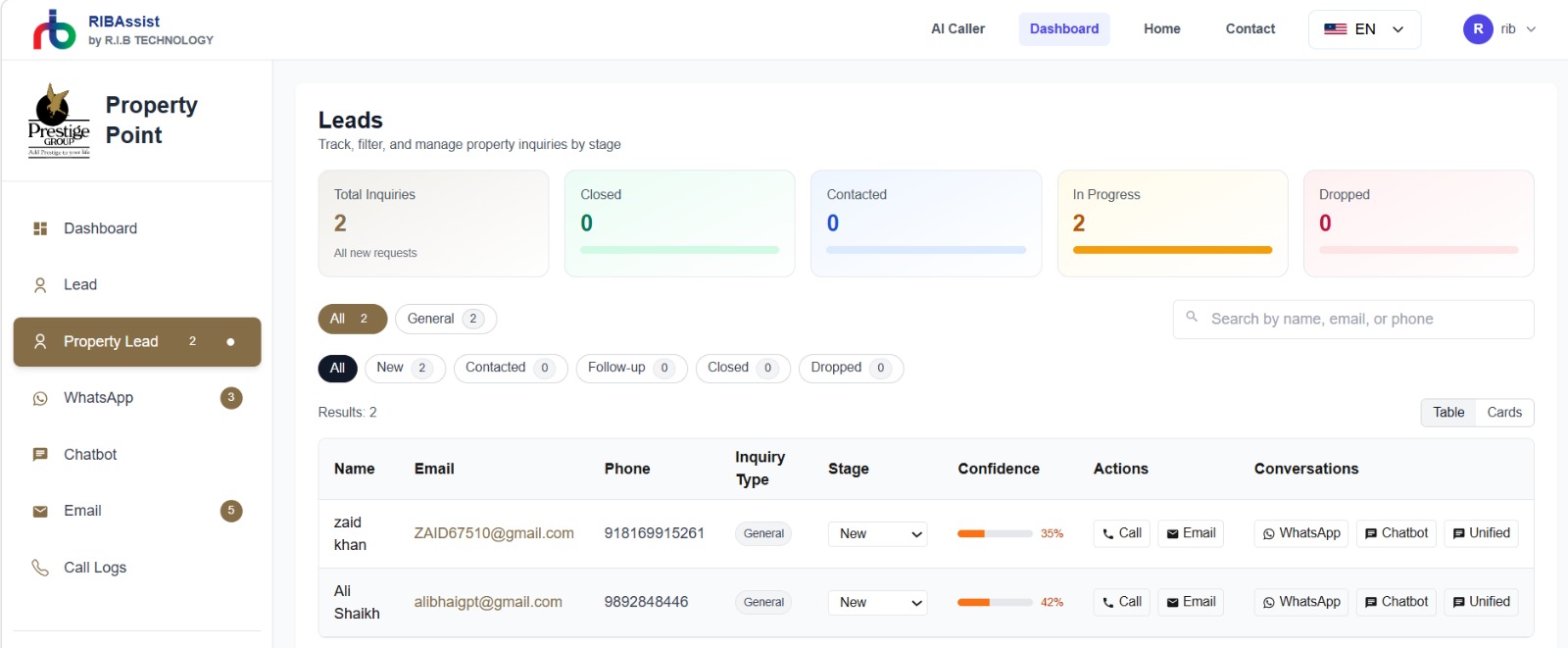
Autonomous calling
Handles lead qualification, follow-ups, reminders, and meeting booking without adding load to the human team.
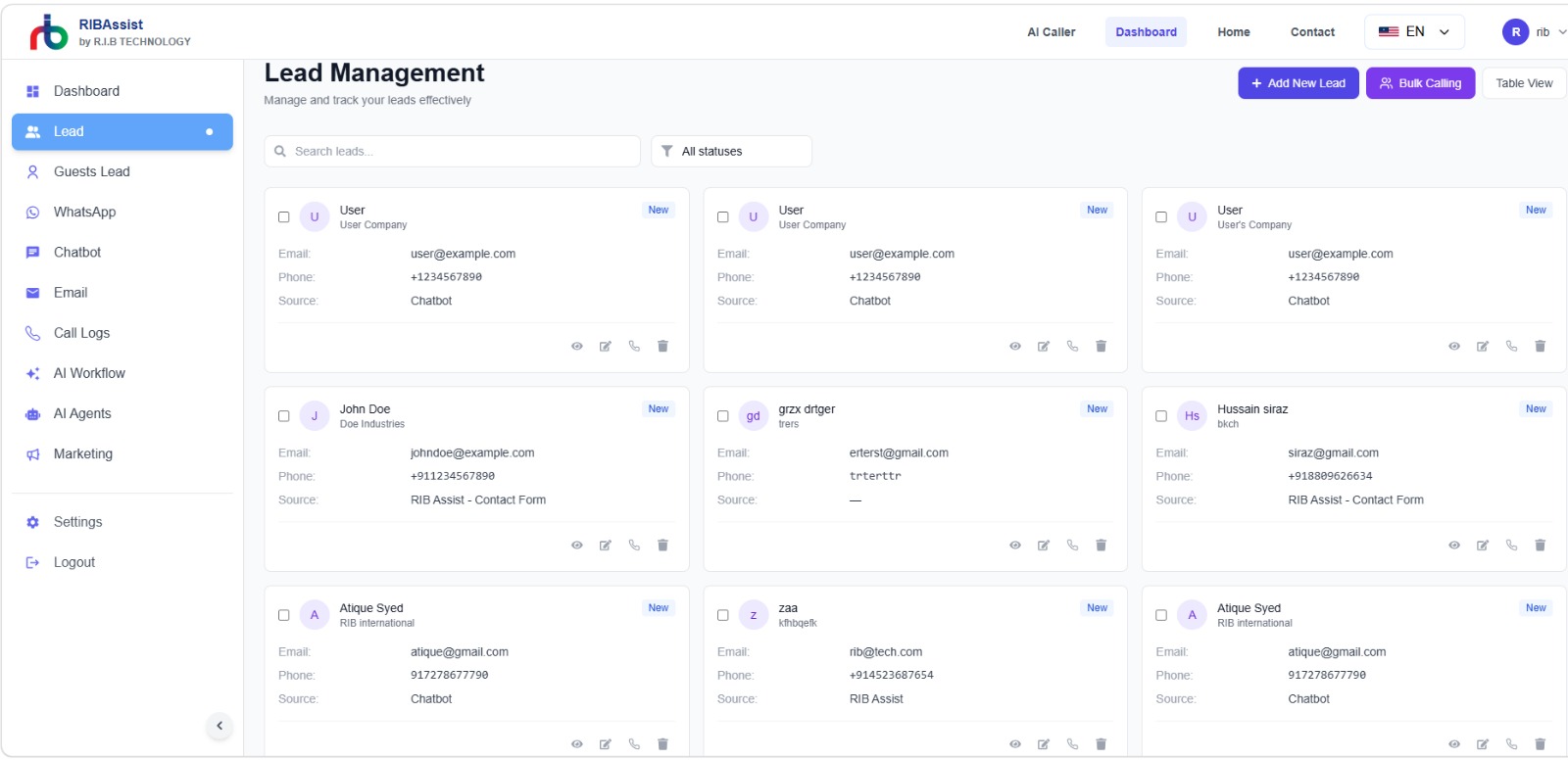
Unified conversations
Keeps WhatsApp, chatbot, email, and voice aligned so customers receive a consistent response across channels.
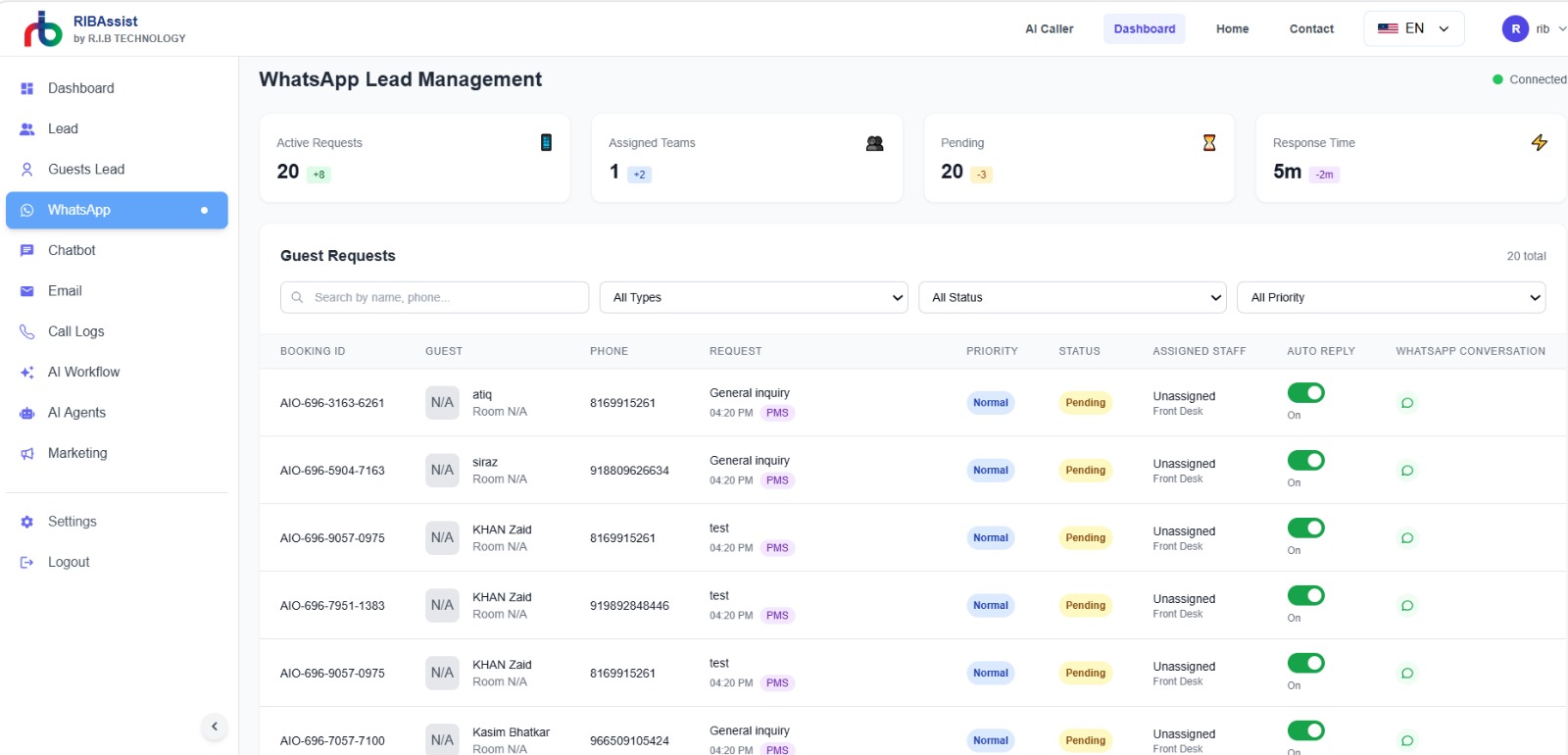
Operational visibility
Surfaces activity, automation status, and workflow outcomes in one place for faster decision-making.
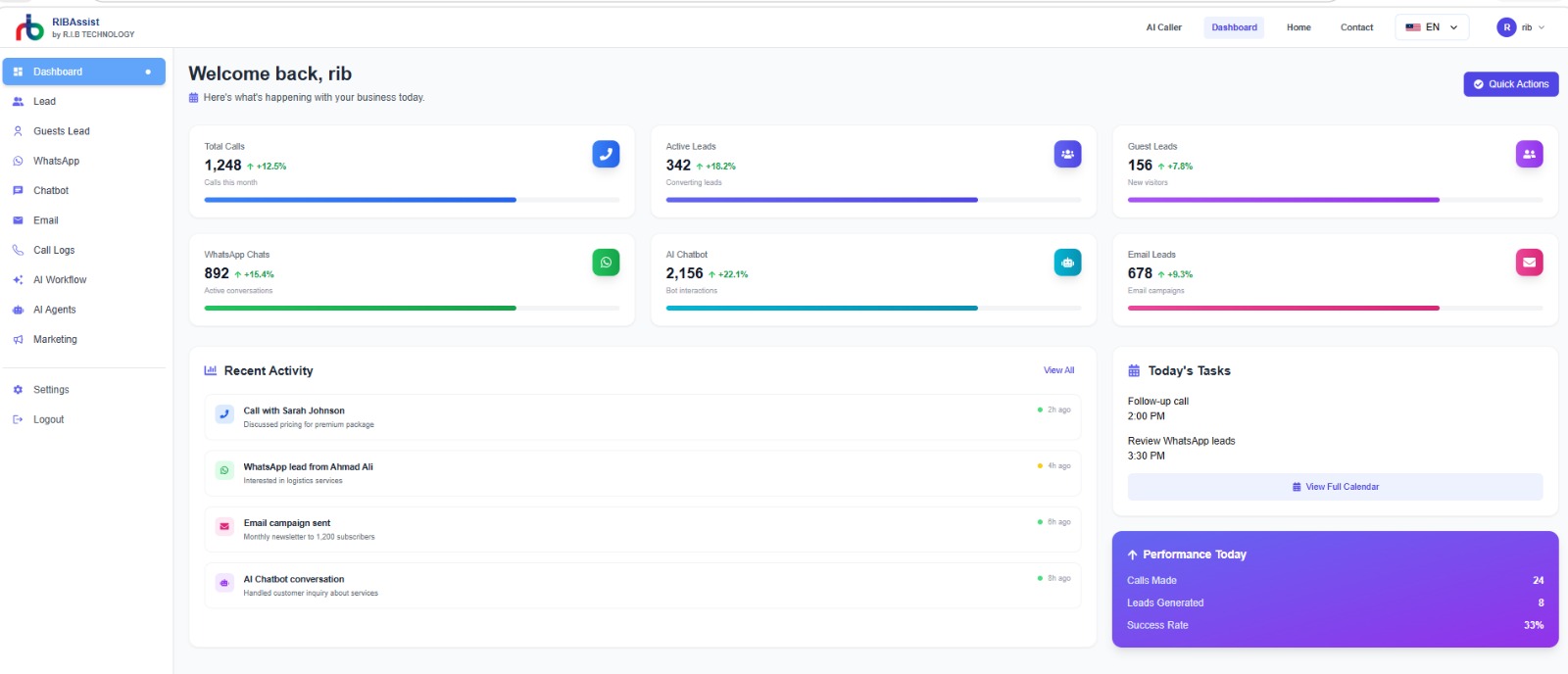
AI Caller
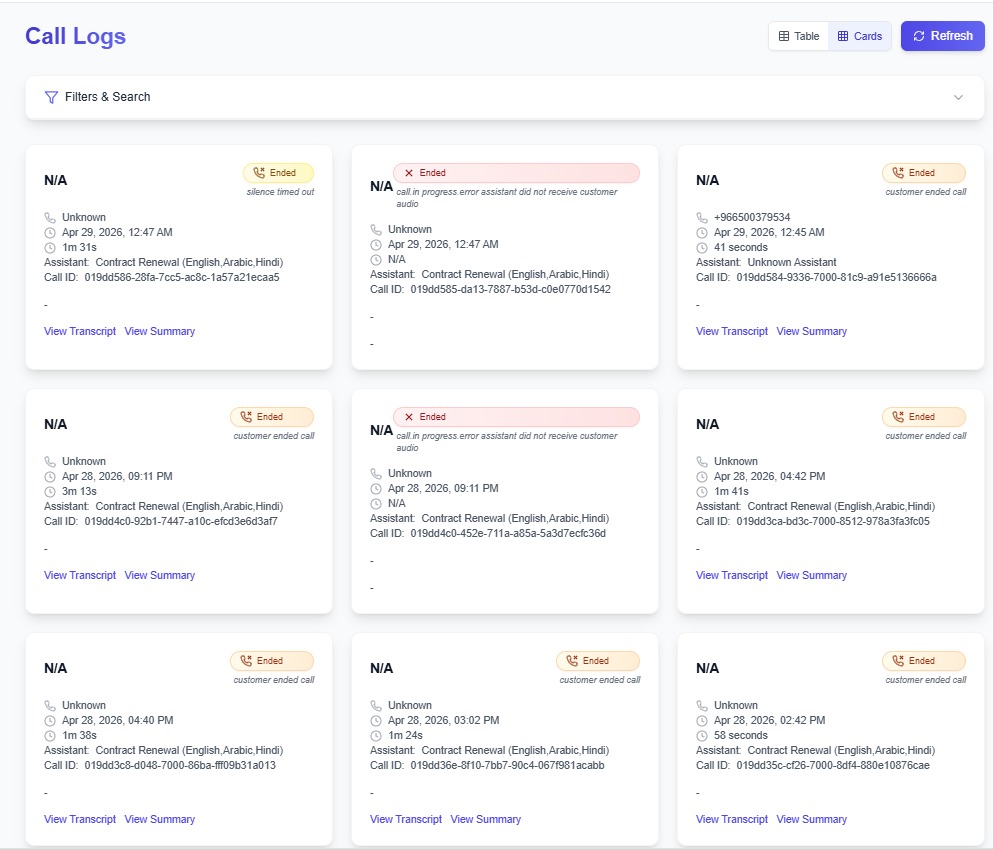
The live product positions AI Caller as the core voice layer for outbound sales, support, and scheduling. It is the fastest path to high-volume conversations without expanding headcount, and it works best when the call logic is mapped to clear business outcomes.
How to use it
Lead qualification
Reach prospects, ask the right questions, and hand over qualified leads.
Scheduling
Book meetings, manage reminders, and reduce back-and-forth calls.
Multilingual support
Support broader customer bases with multilingual conversations and follow-up.
Omnichannel communication
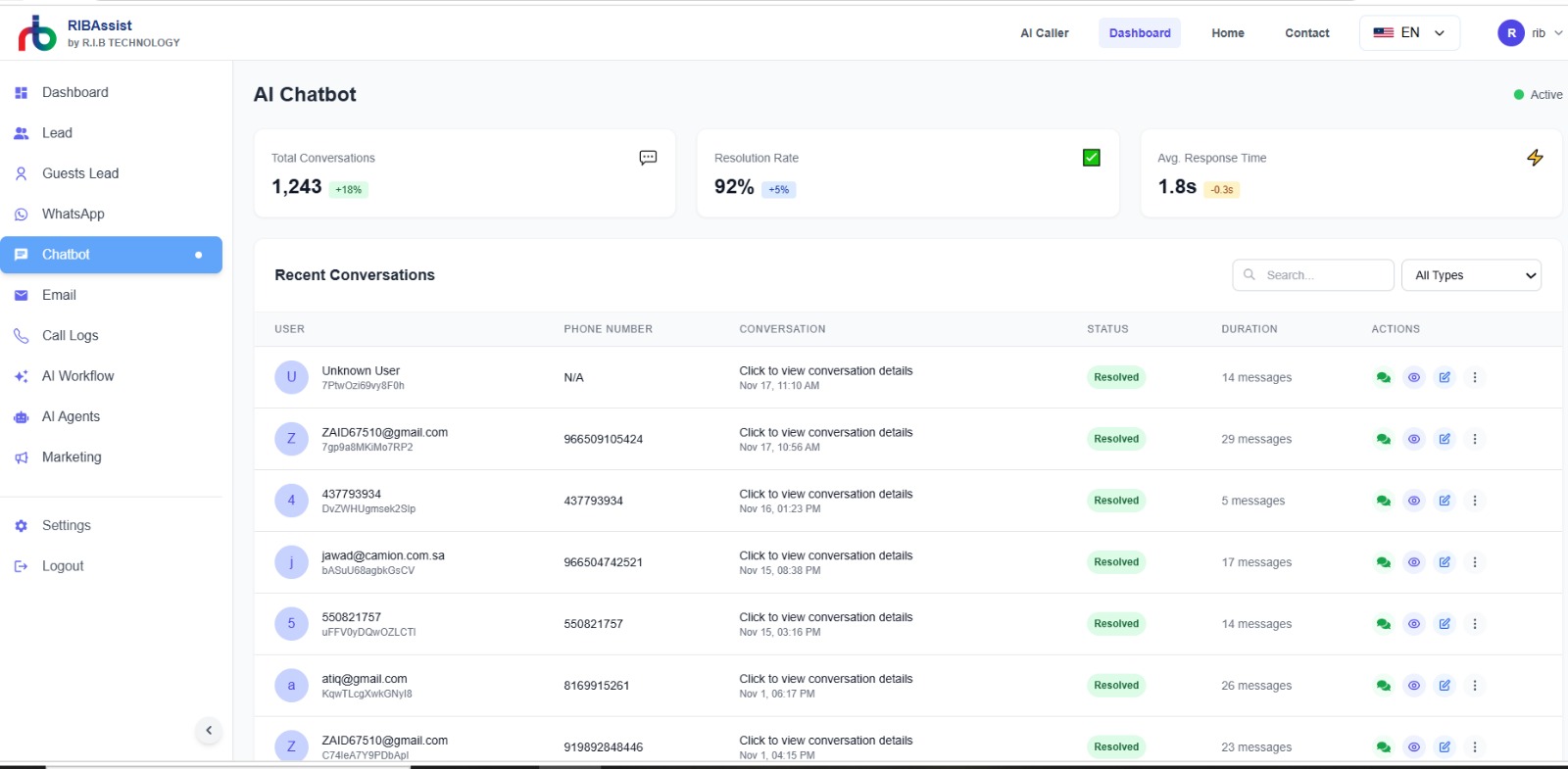
The site highlights WhatsApp, web chat, and email as the main communication layer. The minimal guide keeps these as simple service cards instead of large screenshots, and the channels stay linked to the same customer timeline.
Quick replies, inbox tracking, and automated customer conversations.
AI chatbot
Context-aware website chat that answers FAQs and qualifies visitors.
Email automation
Drafts, sends, and responds while keeping tone and compliance consistent.
Workflow automation
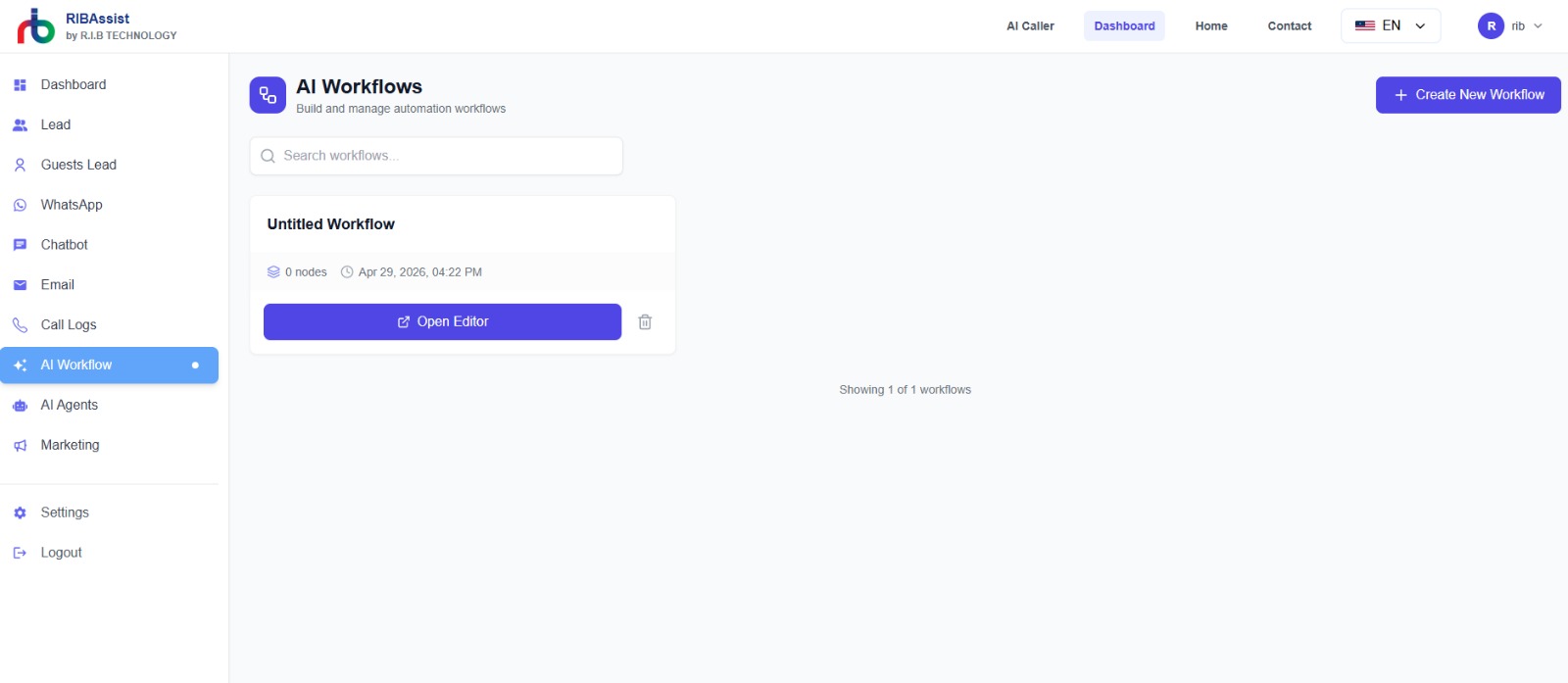
RIBAssist uses triggers, conditions, and actions to automate the next step after any call or message. That logic is the best fit for a clean process diagram and should be written as a simple decision path.
Recommended flow
Start with a clear event, evaluate a business rule, and finish with one explicit action. Keep the handoff visible when a human team member needs to step in.
CRM integration
The live site emphasizes sync with Salesforce, HubSpot, Zoho CRM, and similar systems. This section keeps the message lean and execution-oriented while showing how the sync supports sales and service operations.
Lead records
Capture interactions, outcomes, and customer context automatically.
Live sync
Keep records current so sales and support teams always work from one source of truth.
Pipeline follow-up
Move prospects through the funnel with fewer manual updates and delays.
Operations and control
Instead of a visual settings gallery, this version keeps the focus on the functional layers behind the platform and the operational guardrails around them.
Administration focus
Keep integration setup, user access, and monitoring separate so teams can operate the platform without stepping on each other’s responsibilities.
Integrations
Connect telephony, CRM, chat, and productivity tools in one setup.
Monitoring
Review transcripts, logs, and activity patterns to spot issues early.

Settings
Adjust users, permissions, and platform preferences from a single place.
Security at the core
Security is one of the product’s main trust messages on the live site, so the guide keeps it compact, clear, and direct while making the trust controls explicit.
Privacy controls
Keep training data, customer data, and operational data separated and protected.
Confidentiality
Use access control and secure handling to reduce exposure across teams.
Verifiable responses
Ground responses in documented facts and transparent workflows.
Hospitality
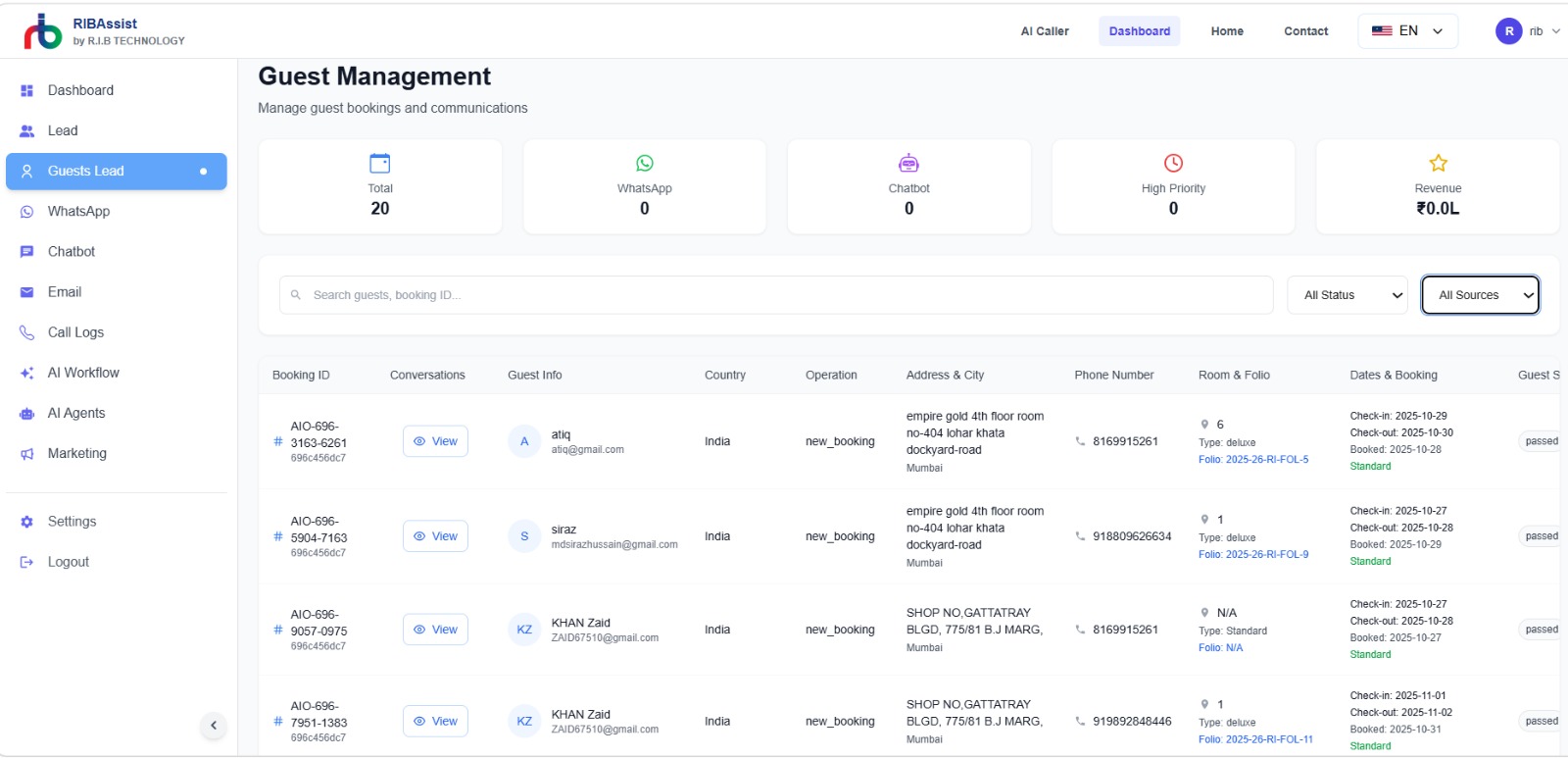
Hospitality teams need consistent guest communication before, during, and after the stay. RIBAssist handles reminders, confirmations, service requests, and post-visit follow-up without forcing staff to manage every message manually.
What it automates
Education
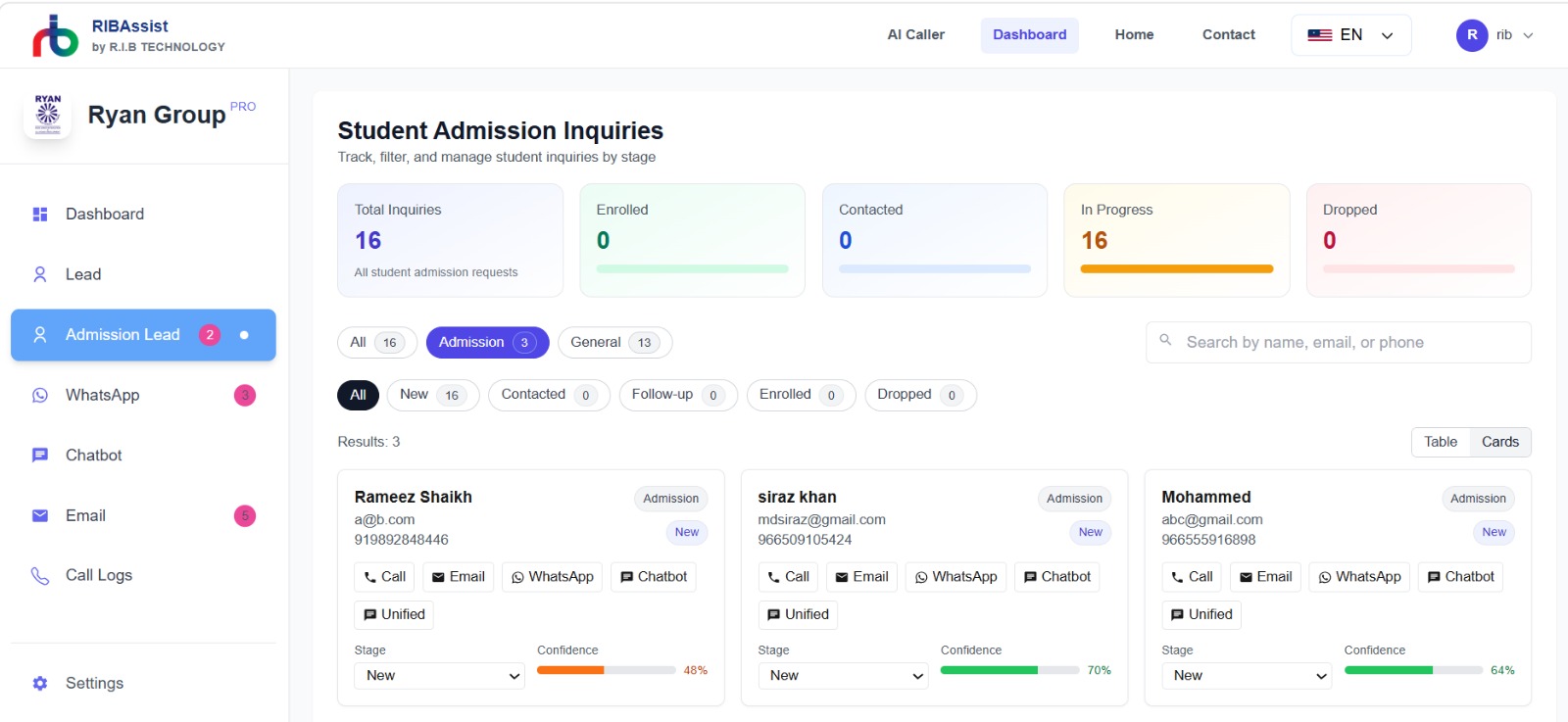
Education providers can use RIBAssist to keep enrollment, class scheduling, payment reminders, and family communication organized in one predictable workflow.
What it automates
Booking & Scheduling
Booking-heavy teams need reliable confirmation loops, easy rescheduling, and quick follow-up when plans change. RIBAssist keeps those tasks moving without creating extra admin work.
What it automates
Customer Support
Support teams use RIBAssist to triage incoming issues, respond across channels, and escalate only when a case needs a specialist. That reduces queue pressure while keeping service responsive.
What it automates
Real Estate
Real estate teams need to qualify property interest quickly, keep viewings moving, and maintain follow-up across a longer sales cycle. RIBAssist helps turn lead activity into consistent action.
What it automates